


This is a sponsored feature. All opinions are 100% from Her Campus.
Finals, packing, and graduation are behind you – now the real adventure begins: deciding what you want to do as a young adult, whether that’s diving into the work force and figuring out what ‘business casual’ means, or maybe you want to build your portfolio while making some money on the side at a local small business. Whatever is next for you, Adobe has tools to help you create your future.
If you’re ready to step into your post-grad era or if you’re ready to apply at your dream company, then you need Adobe’s tools to help you work smarter as you set out to be the best version of your professional self.
Click here to access all the incredible Adobe products like Adobe Firefly mobile, Photoshop mobile, Lightroom mobile, Express, and Acrobat.
Adobe Acrobat + Acrobat Studio
You may have used Acrobat during undergrad to access your class syllabus or to highlight and comment in digital textbooks throughout the semester. As a grad entering the real world, Acrobat can also help you navigate the difficulties that come with adulthood and trying to figure it out on your own!
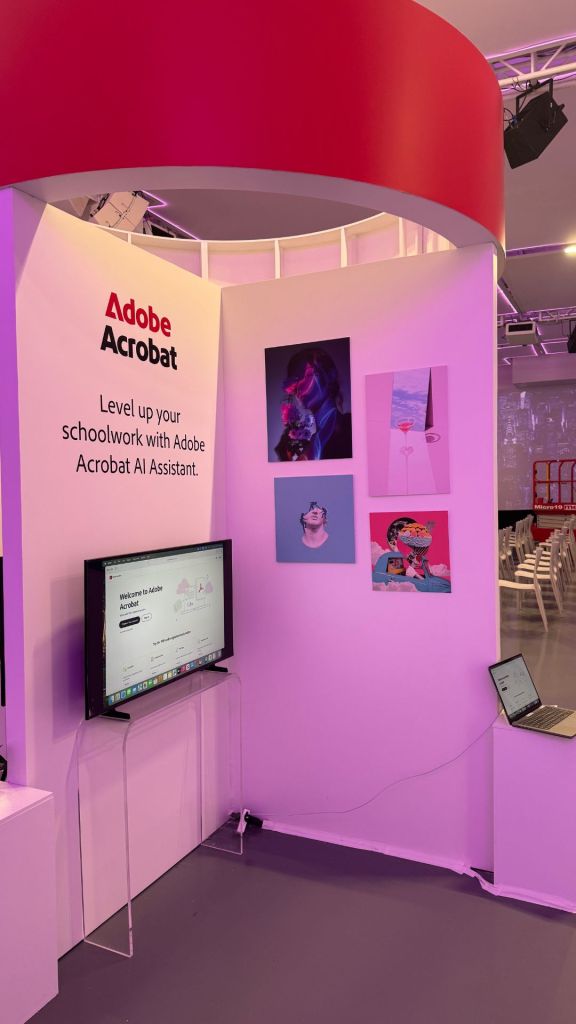
From opening and reading tax forms to reviewing and signing a lease, to building a career master file for all of your pro development must-haves — like transcripts, certifications, resumes, and references — Adobe Acrobat is your secret weapon for staying polished and organized, especially when you use the brand new Adobe Acrobat Studio!
Applying for grad school or a new job? Acrobat Studio has your back! With its PDF Spaces feature, you can keep all your files, links, and notes in one place—think of it as your personal digital knowledge hub. Need to prep for interviews? The AI tools can help you tailor your application and even pull insights to make your responses sharper. Plus, you can turn your notes or projects into professional-looking portfolios to impress potential employers. Acrobat Studio makes it super easy to stay organized and put your best foot forward as you step into the real world.

Adobe Firefly
If you’re looking to ideate and create as a recent grad, the Adobe Firefly mobile app is for you. Firefly is the all-in-one home for AI-assisted creativity, whether you’re pulling together a moodboard for a big idea, reimagining a photo into your dream office setup or animating images to stand out in that social media coordinator interview. And because it’s on your phone, you can design and experiment on the go at the speed of your imagination. Download free on iOS and Android and start creating wherever inspiration strikes.


Adobe Express
There are two types of people in this world: people who don’t like making resumes, and people who really don’t like making resumes. But graduating means it’s time to make one that actually stands out. Adobe Express takes the pain out of the process with thousands of eye-catching templates that go way beyond the generic ones everyone else is using. From résumés and cover letters to decks, flyers, and social posts, you’ll have everything you need to showcase your skills and land that first big job. Even better? 😉 It’s free on iOS and Android.


Adobe Lightroom
Score! You finally snapped a new headshot on your phone. But ugh, the lighting’s a little off, and that one piece of hair just won’t cooperate. Enter: Adobe Lightroom Mobile, the intuitive app that makes it simple for anyone to refine photos in just a few taps. With ready-made presets and easy tools to brighten lighting, soften shadows, and fine-tune details, transforming your photo takes seconds. Now you’ve got a polished headshot you’ll be proud to use on your professional networking sites, portfolio, résumé, or business cards.

editing headshots at Her Conference


Adobe Photoshop Mobile
TBH, adding yourself into a pic with your celeb crush using Photoshop is a universal experience, am I right? As funny as it is seeing the results every time, you’re low-key missing out on all of the other unique and fun ways to use this iconic Adobe tool. Think: designing playlist cover art that aligns with your theme, pulling together a fashion lookbook to highlight your style, or building a vision board to map out the future you’re manifesting. Photoshop isn’t just for memes — it’s the go-to creative tool when you want infinite control at your fingertips. It empowers you with the tools to shape every detail, experiment with bold ideas, and bring your vision to life – exactly as you imagine.


Adobe Digital Academy
To increase your skills and grow your AI literacy, sign up for the Adobe Digital Academy! Digital Academy is an online bootcamp designed to equip you with info and resources on the newest technology — like AI, Adobe tools, and social media — allowing you to thrive in the modern digital workforce and succeed in your careers. Even if you feel like you’re done with classes because you’ve graduated, always remember that just because you secured your degree doesn’t mean the learning has to stop.
Adobe for All
From animating moodboards with Firefly mobile to signing your first lease with Acrobat and beyond, these tools bring you everything you need to start strong.
Get started today to kickstart your creative career and land your dream job!