

By Gülen Çelik
What comes to mind when we hear the word “aesthetic”? Probably it doesn’t carry the same values for everyone. Well, it’s because we have different understanding of what is appealing and what is aesthetically pleasing to us.
So, I’m going to show you how I take and edit photos fitting my own aesthetic!
Most of the time when people say photography very expensive and fancy cameras come to mind. Honestly, a phone works just as good!
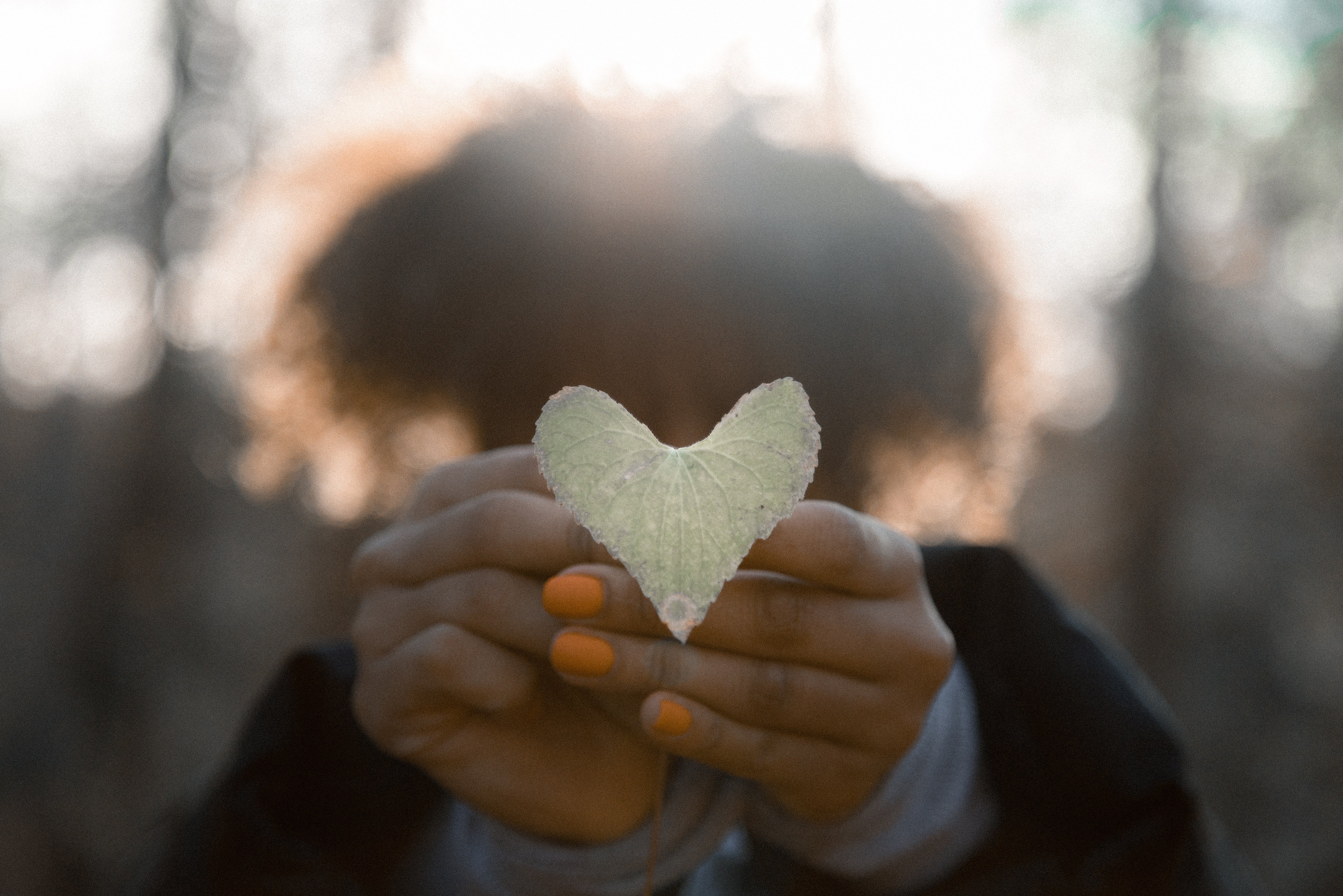
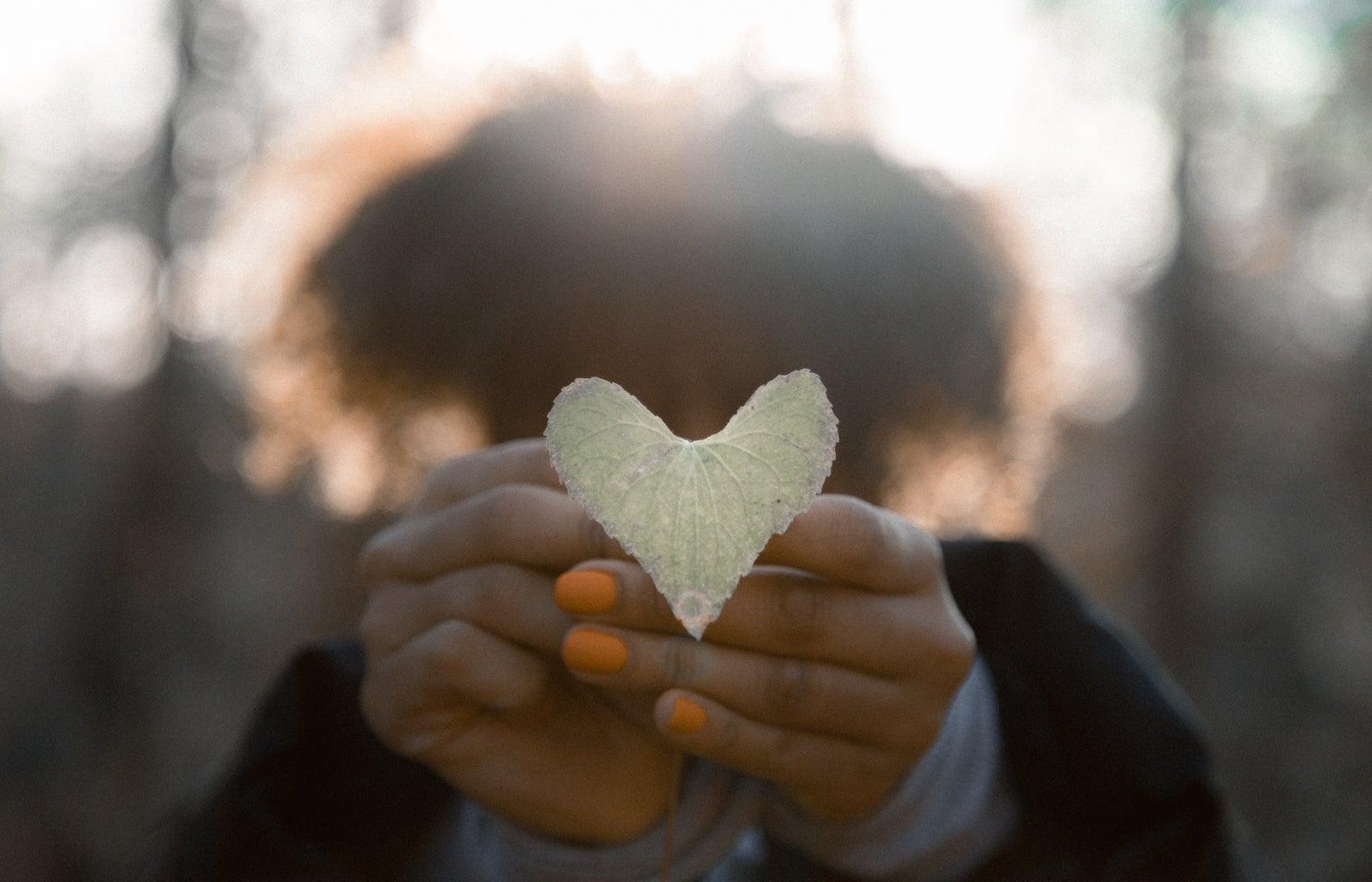
Angles and composition are important!It’s always best to have a straight angle rather than a tilted one. It looks more professional. Also, don’t be afraid to play with it. This picture here was taken from a bird’s eye view and the person – me – is centered which is a very powerful composition and draws the audience’s attention.
Eye level is probably the safest and easiest angle to shot in but, don’t be afraid to try different ones!
Embrace the natural lighting!
Nothing better than the golden hour. I feel like no one can go wrong with the god’s gift of sunlight. It makes everything look smooth and clear with the shadows at the background adding a cool dimension.
Speaking of shadows, what about taking a photo of your own shadow?
Let’s get to the editing part!
I’m going to list a bunch of cool editing apps (that unfortunately might not be all free but, trust me it’s worth it):
– RNI Films – you can get the REAL vintage camera film effects here!!
-Unfold – this one is great especially for instagram stories. You can create collages and add frames which makes it look like you shot it with a vintage camera.
Last but not least…
– Phonto – to add text to your images and give it a cinematic look like it’s a movie scene.
I guess that’s it! These were just a few of my tips and tricks on what I put into consideration when I take and edit my photos.
Hope it was helpful! Now, go ahead, take your phone and start shooting or force your friends to take a bunch of artsy pictures of you (;